
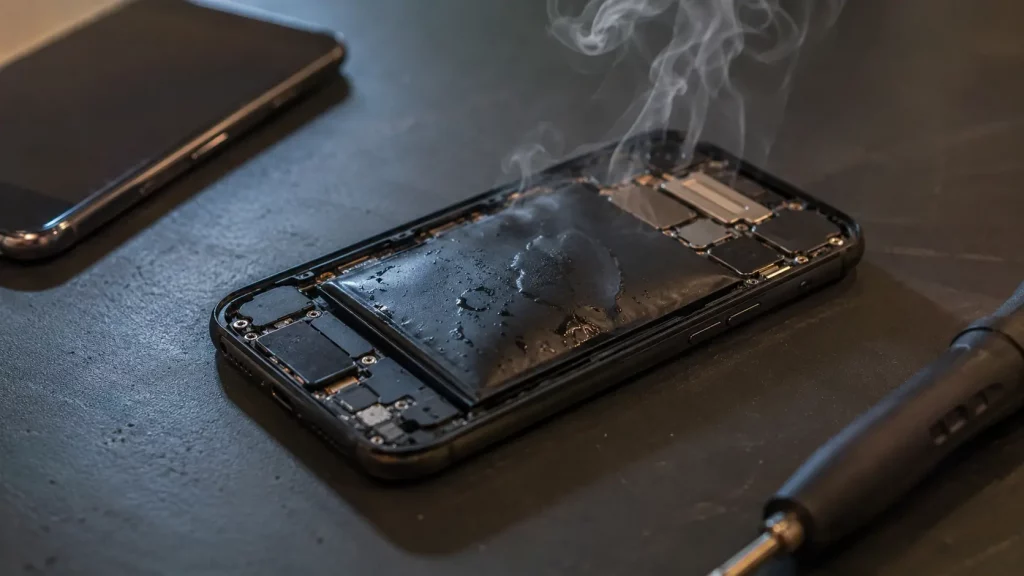
Your phone is warm. Maybe even properly hot. You have probably already searched for this exact question, so let us get straight to the point.
A warm phone after 30 minutes of video calls or navigation is completely normal. But a phone that gets hot enough to feel uncomfortable in your hand, shuts itself down, or throws up a temperature warning is telling you something is wrong.
The fix is usually simple. Sometimes it is just a setting or a habit. Other times it is a hardware problem that will only get worse if you ignore it. This guide covers every common reason phones overheat, what you can do right now to cool yours down, and how to tell when it is time to bring it in for a repair.
What Counts as Overheating?
Every smartphone is designed to work within a temperature range. For most iPhones, Samsung Galaxy phones, and Google Pixels, that range is 0°C to 35°C. Go above that, and your phone will start protecting itself.
You might notice the screen dimming on its own. Apps might slow down or freeze. The camera flash may stop working. In extreme cases, the phone will show a temperature warning and shut itself off until it cools down.
A phone that feels warm on the back near the camera or along the edges after heavy use is normal. A phone that feels hot enough to make you want to put it down is not.
The Most Common Reasons Your Phone Gets Too Hot
Most overheating problems come down to one of these causes. We see all of them regularly at Phone Clinic.
Leaving your phone in direct sunlight or a hot car
This is the single biggest cause of overheating during summer. A car dashboard in the sun can reach 50 to 60°C, even on a mild UK day. That is well past what any phone can handle. If your phone has been sat in the sun on a table, a car mount, or a windowsill, it will get dangerously hot very quickly.
Charging while using the phone
Charging generates heat. Using the phone at the same time, especially for gaming, navigation, or video calls, generates more heat. Do both together and the phone has nowhere to put it. If your phone regularly overheats while plugged in, this is almost certainly the reason.
Too many apps running in the background
Every app running in the background uses a small amount of processor power. Open 30 or 40 of them and that adds up. Your phone is constantly working even when the screen is off, which means more heat and faster battery drain.
Outdated software
Software updates often include fixes for bugs that cause excessive processor use. If you have been putting off that iOS or Android update for weeks, your phone might be working harder than it should.
A bulky or insulating phone case
Some thick cases, especially leather or rubber ones, trap heat against the phone body. In summer, this can be enough to push the temperature over the limit. Try removing your case for a few minutes when the phone feels warm and see if it makes a difference.
A worn out battery
This is the one that matters most from a repair perspective. As batteries age, they become less efficient. They produce more waste heat during charging and discharging. If your phone is more than two years old and overheats regularly, the battery is the most likely culprit. A worn battery will not fix itself, and continuing to use it in that state shortens the life of the phone even further.
A damaged charging port
A loose or corroded charging port can cause irregular power delivery, which generates excess heat. If your phone only overheats while charging and the cable feels wobbly in the port, this is worth checking.
Signal problems
When your phone struggles to find a mobile signal, the antenna works much harder. This uses more power and creates more heat. You might notice this in areas with poor coverage or when you are travelling between signal zones.
How to Cool Down Your Phone Right Now
If your phone is hot right now and you need it to cool down, here is what to do.
Move it out of direct sunlight or away from any heat source. Take the case off. Stop charging it. Close any apps you are not using. Turn the screen brightness down or switch on auto brightness.
If it is really hot, turn the phone off completely and leave it on a cool, flat surface for 10 to 15 minutes. A table indoors or a shaded spot outside works well.
Do not put your phone in the fridge or freezer. Do not hold it under cold water or press it against an ice pack. Rapid cooling causes condensation inside the phone, which can damage the electronics permanently. This is the single worst thing you can do to an overheating phone. Let it cool down gradually.
When Is Overheating a Sign of a Bigger Problem?
Sometimes overheating is not about what you are doing with the phone. It is the phone itself telling you something is failing.
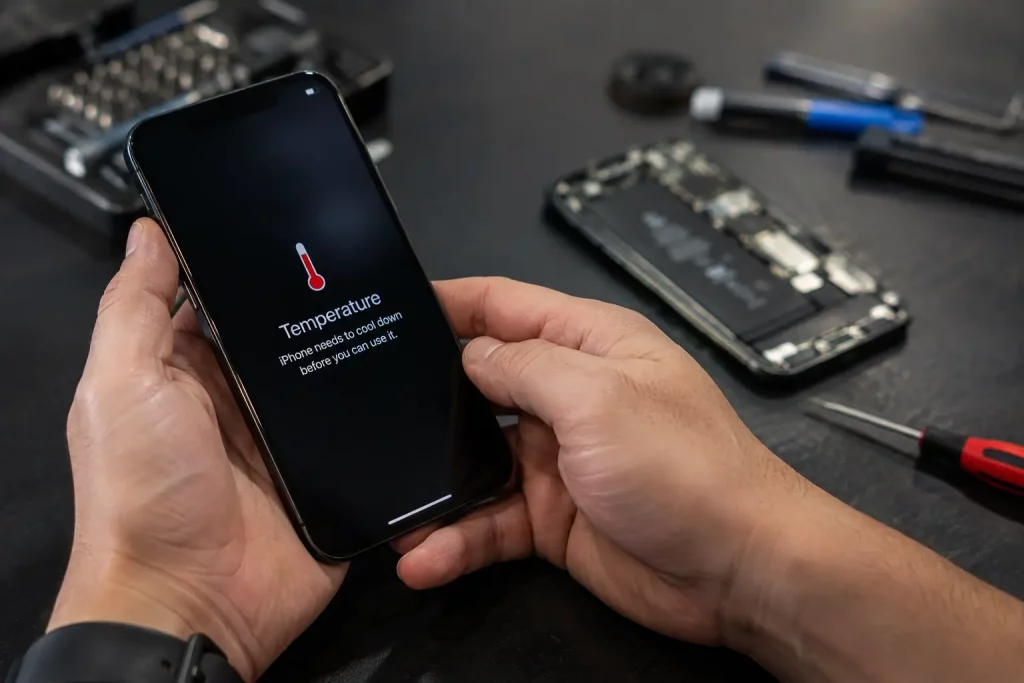
Bring your phone in for a check if you notice any of these:
The phone overheats even when you are not using it heavily. The battery drains much faster than it used to. The phone gets hot specifically around the charging port. You can see the screen lifting slightly or the back panel bulging even a tiny amount. The phone shuts down randomly, especially when it is warm. It overheats every single time you charge it, regardless of the charger.
A swollen battery is the most urgent of these. If the screen or back glass is being pushed outward, stop using the phone and bring it to a repair shop as soon as possible. A swollen battery is a safety risk.
At Phone Clinic, we run a full diagnostic for a £10 fee. If you decide to go ahead with the repair, that fee goes toward the cost. It is a quick way to find out exactly what is causing the problem rather than guessing.
What We Can Repair
If overheating is caused by a hardware fault, here are the repairs we carry out most often.
Battery replacement is the most common fix for phones that overheat regularly. We replace batteries on iPhones, Samsung Galaxy phones, Google Pixels, and most other models. This usually takes under an hour and solves the overheating and battery drain in one go.
Charging port repair fixes the problem when overheating only happens during charging. A new port means clean, consistent power delivery and no more excess heat.
We carry out all repairs in store, and you get a warranty on the work. Battery and charging port repairs are covered for 12 months. You can walk into any of our 14 stores across England and Scotland or use our mail in repair service if there is not a store near you.
Tips to Stop Your Phone Overheating in the First Place
Once you have sorted the immediate problem, a few habits will keep your phone running cool long term.
Avoid charging your phone in direct sunlight or on soft surfaces like beds and sofas that trap heat. Use the charger that came with your phone or a reputable brand. Cheap, unbranded chargers can deliver uneven power and cause overheating.
Close apps you are not using. Not just minimise them, actually swipe them away. Keep your software updated. Turn off features you do not need, like Bluetooth, location services, and background app refresh, when you are not actively using them.
If your phone is more than two or three years old and the battery health is below 80%, a replacement battery is worth considering before it starts causing heat problems.
And in summer, just be mindful. Do not leave your phone on the dashboard, on a towel at the beach, or next to a barbecue. A few minutes of direct sun on a hot day is all it takes.
Need Your Phone Checked?
If your phone keeps overheating and the tips above have not helped, it is probably a hardware issue. The sooner you get it looked at, the less chance there is of the heat causing further damage.
You can walk into any Phone Clinic store for a diagnostic, or send your phone to us by post if you prefer. We will tell you exactly what is wrong, what it will cost to fix, and how long it will take. No pressure, no surprises.
Call us on 07492 244409 or find your nearest store to book an appointment.
Frequently Asked Questions
Is it normal for my phone to get warm?
Yes, some warmth is normal during heavy use like gaming, video calls, or navigation. If the phone is too hot to hold comfortably or shows a temperature warning, that is not normal and needs attention.
Can phone overheating damage the battery permanently?
Yes. Prolonged heat speeds up the chemical breakdown inside a lithium ion battery. A phone that overheats regularly will lose battery capacity faster than one that stays cool. If this has been happening for a while, the battery may need replacing.
Why does my phone overheat while charging?
Charging naturally generates heat. If you use the phone heavily while it charges, or if the battery or charging port is faulty, the heat can build up beyond safe levels. Try charging with the phone idle and the case removed. If it still overheats, the hardware may need checking.
Should I put my phone in the fridge to cool it down?
No. Rapid cooling causes condensation inside the phone, which can damage the screen, battery, and circuit board. Let it cool down naturally in a shaded spot with the case off.
How much does it cost to fix a phone that keeps overheating?
It depends on what is causing the problem. Battery replacements and charging port repairs are the most common fixes. Bring your phone to any Phone Clinic store for a £10 diagnostic and we will give you an exact price before any work is done. The diagnostic fee goes toward the repair if you go ahead.