
Every phone battery wears out eventually. The tricky part is knowing when it’s the battery and not just heavy use. Here are the clear signs that your battery has had its day, and how to check for certain before you spend anything.
The main warning signs
It doesn’t last the day any more. The clearest sign. If a phone that used to run from morning to night now needs a top up by lunch, the battery is holding less than it used to.
It shuts down with charge still showing. If your phone switches off at 30 or 40 percent, or dies the moment you open the camera in the cold, the battery can no longer deliver power steadily. This is a classic worn battery symptom.
It charges too fast or too slow. A tired battery can jump from 20 to 80 percent in minutes, then sit at 80 for ages, because the reading no longer matches what the battery can actually hold.
The phone feels sluggish. On iPhones especially, a worn battery can cause the phone to slow itself down to avoid sudden shutdowns. A new battery often makes an “old” phone feel quick again.
The battery is swollen. If the screen is lifting at one edge or the phone rocks on a flat surface, stop using it and get it looked at straight away. A swollen battery needs replacing promptly and shouldn’t be ignored.
How to check your battery health
On an iPhone, go to Settings, then Battery, then Battery Health and Charging, and look at Maximum Capacity. When that figure drops toward 80 percent or below, you’ll feel the difference, and a replacement is worth it.
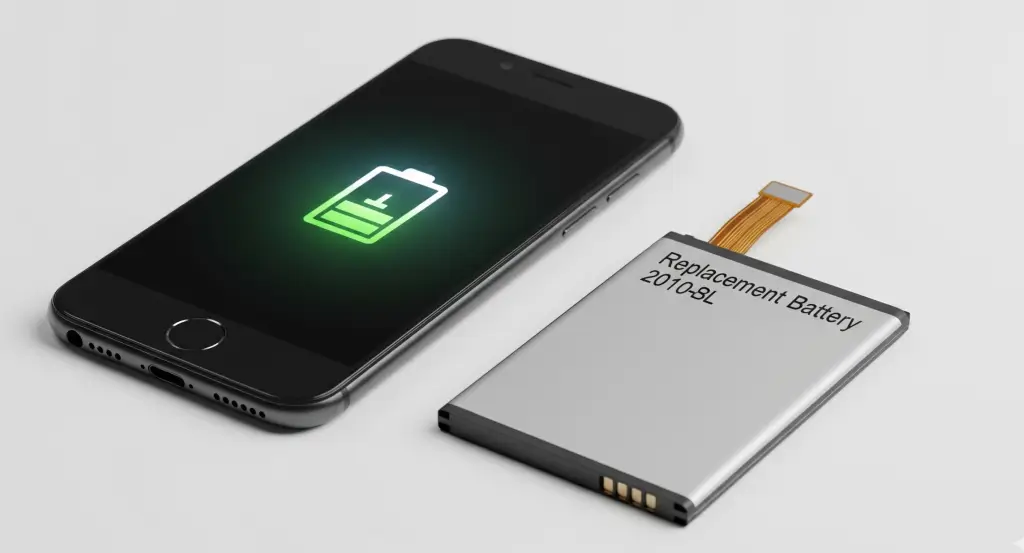
On most Android phones there’s no built-in capacity figure, but you can judge it by the signs above, and we can test the battery for you in store.
What to do next
If you’re seeing two or three of these signs, a new battery is almost certainly the fix, and it costs far less than a new phone. If your phone is otherwise fine, replacing the battery is the sensible choice and brings the all-day life back.
See what it costs on our iPhone battery replacement cost guide. If your battery mainly struggles in winter, our guide on battery drain in cold weather is worth a read too, since cold can mimic a worn battery.
When you’re ready, book a battery replacement or find your nearest store. Most are done the same day while you wait.
FAQ
How do I know if my phone needs a new battery?
The clearest signs are shorter life, shutting down with charge still showing, charging oddly, the phone slowing down, or a swollen battery. If you see two or three of these, it’s time for a replacement.
What is a good battery health percentage?
On an iPhone, check Maximum Capacity in Settings, then Battery, then Battery Health and Charging. Once it falls toward 80 percent or below, you’ll notice shorter life and a replacement is worth it.
My phone shuts down even though it shows charge left. Why?
A worn battery can no longer deliver power steadily, so the phone cuts out even with charge showing. A new battery fixes this.
Is a swollen battery dangerous?
A swollen battery should be replaced promptly. If your screen is lifting or the phone rocks on a flat surface, stop using it and bring it in to be checked.
Should I replace the battery or buy a new phone?
If the phone is otherwise fine, a new battery is far cheaper than a new phone and fixes the main reason phones feel old.