
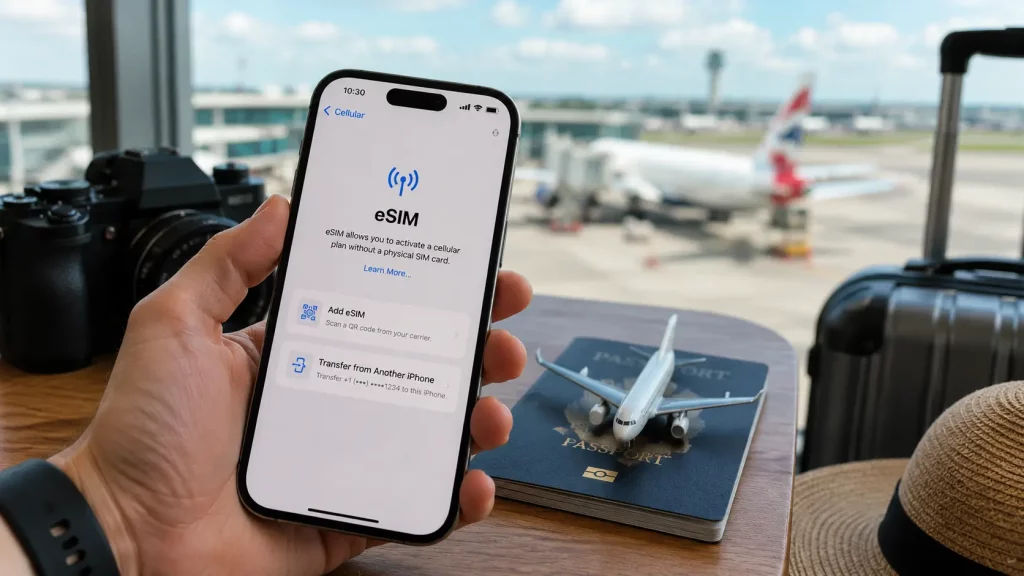
Using your phone abroad used to mean one of two things: paying your UK network’s roaming charges and hoping the bill was not too painful, or landing in a new country and hunting for a shop that sells local SIM cards.
Neither is great. Roaming charges add up fast. Finding a SIM card kiosk at the airport when you are tired and just want to get to the hotel is not how anyone wants to start a holiday.
An eSIM solves both problems. You set it up before you leave, and the moment you land, your phone connects to a local network at a price you already agreed to. No physical card to swap. No surprise charges when you get home.
This guide explains what an eSIM actually is, how to set one up for travel, and the one thing you need to check before buying a plan.
What Is an eSIM?
An eSIM is a digital SIM card built into your phone. Instead of inserting a small plastic chip, you download a mobile data plan directly to the device. It does the same job as a traditional SIM card, just without the physical component.
Most phones made in the last four to five years have eSIM capability. You may have been using one without realising it, because many UK network contracts now activate over eSIM rather than sending a physical card.
For travel, the eSIM becomes especially useful because you can add a second data plan for your destination country without removing your UK SIM. Your phone runs both at the same time.
Why an eSIM Beats Roaming for Travel
You know the cost upfront. Travel eSIM plans are prepaid. You choose a data allowance, pay for it, and that is it. There is no bill waiting when you return. If you need more data during the trip, you top up through the provider’s app.
You keep your UK number active. Most phones with eSIM support are dual SIM, meaning they can run two connections at once. Your UK number stays active for calls and texts while the eSIM handles your data. You do not miss calls from home, and you do not pay your UK network’s data roaming rates.
It works across borders. If you are travelling through multiple countries, you can buy a regional plan that covers an entire area. A Europe wide plan, for example, keeps you connected across France, Spain, Italy, Germany, and dozens of other countries without changing anything when you cross a border.
No queue, no language barrier, no physical card. You buy the plan online, install it on your phone in a few minutes, and it is ready before you leave the house.
Which Phones Support eSIM?
Most recent smartphones support eSIM. Here is a quick guide.
iPhone: Every model from the iPhone XR (2018) onwards supports eSIM. The iPhone 17 series sold in the US is eSIM only with no physical SIM tray at all. UK models still have both.
Samsung: Galaxy S20 and newer, Galaxy Z Flip and Z Fold series, and some A series models (A54, A55, A56 and above) support eSIM.
Google Pixel: Pixel 3a and newer models support eSIM, including the Pixel 10 series.
Other brands: OnePlus, Xiaomi, Oppo, and Motorola have added eSIM support to selected models. Check your specific phone’s settings to see if the option is there. On iPhone, go to Settings, then Mobile Data, then Add eSIM. On Samsung, go to Settings, then Connections, then SIM Manager. If the option appears, your phone supports it.
The One Thing to Check Before You Buy
Your phone must be network unlocked to use a travel eSIM.
If you bought your phone directly from a network like EE, Vodafone, Three, or O2 on a contract, it may be locked to that network. A locked phone will only accept SIM cards (physical or digital) from the network it is tied to.
How to check if your phone is locked. The easiest way is to put a SIM card from a different network into your phone. If it works, the phone is unlocked. If it asks for an unlock code or shows an error, it is locked.
How to unlock it. Contact your network provider and request an unlock. Most UK networks will unlock your phone for free once you are out of contract. Some charge a small fee. The process usually takes a few days.
If you need your phone unlocked quickly, Phone Clinic offers network unlocking at any of our 14 UK stores. It is faster than waiting for your network to process the request and means you can get your eSIM set up the same day.
How to Set Up an eSIM for Travel
Setting up a travel eSIM takes about five minutes. Do it at home before your trip, while you are connected to Wi Fi.
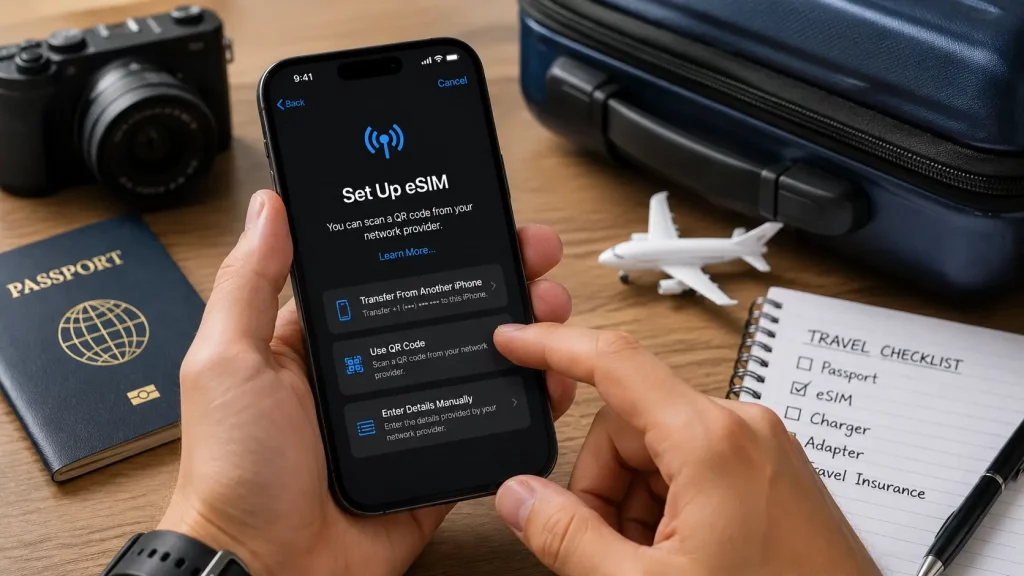
Choose a provider. Several companies specialise in travel eSIMs. Airalo, Holafly, and Nomad are among the most popular. They all offer plans for specific countries and regions at different price points. Compare a few to find the best value for your destination and data needs.
Buy a plan. Select your destination, choose how much data you need and for how long, and pay. Plans for Europe typically start at a few pounds for a few gigabytes. Longer trips and higher data allowances cost more.
Install the eSIM. The provider will give you a QR code or direct you to install through their app. On iPhone, go to Settings, then Mobile Data, then Add eSIM, and scan the QR code. On Samsung, go to Settings, then Connections, then SIM Manager, and follow the prompts.
Set your data line. Once installed, go to your phone’s SIM settings and set the travel eSIM as your mobile data line. Keep your UK SIM as your default for calls and texts. This way, you use cheap local data for everything online while staying reachable on your normal number.
Activate when you arrive. Some travel eSIMs activate automatically when they detect a network in the destination country. Others need you to turn them on manually. Check the provider’s instructions before you fly.
How Much Does a Travel eSIM Cost?
Travel eSIM pricing varies by destination, data allowance, and provider. Here are some rough guides for popular holiday destinations from the UK.
| Destination | Typical Cost (1 GB, 7 days) | Typical Cost (5 GB, 14 days) |
|---|---|---|
| Europe (regional) | £3 to £5 | £8 to £15 |
| USA | £4 to £6 | £10 to £18 |
| Turkey | £3 to £5 | £8 to £14 |
| Thailand | £3 to £5 | £7 to £12 |
Compare that to UK network roaming charges, which can run to £2 to £6 per day just for a basic data allowance, and the savings become clear on any trip longer than a few days.
These prices change frequently, so check the provider’s app or website for current rates before you buy.
Common Mistakes to Avoid
Forgetting to check your phone is unlocked. This is the most common problem. Test it before you buy a plan, not at the airport.
Buying too little data. Maps, social media, and messaging apps all use data. If you are sharing photos and using Google Maps regularly, 1 GB can disappear in a few days. Budget for more than you think you will need.
Not setting up before you travel. Install and configure the eSIM at home while you have Wi Fi. Trying to do it at the airport or on arrival adds unnecessary stress.
Forgetting to switch your data line. After installing the eSIM, you need to tell your phone to use it for data. If you forget this step, your phone will keep using your UK SIM for data and you will be charged roaming rates.
What If Your Phone Does Not Support eSIM?
If your phone is too old to support eSIM, you have two options.
The traditional route: buy a local SIM card at your destination. This still works and is still cheaper than roaming. You will need an unlocked phone and a SIM ejector tool.
The upgrade route: if your phone is several years old and does not support eSIM, it may be worth considering whether a repair or an upgrade makes more sense. If the phone still works well apart from lacking eSIM, keeping it and using a local SIM card is perfectly fine. If it is also showing signs of ageing (slow performance, poor battery life, cracked screen), getting it repaired or replaced before a trip saves the hassle of dealing with phone problems abroad.
Frequently Asked Question
What is an eSIM and how does it work for travel?
An eSIM is a digital SIM card built into your phone. For travel, you buy a data plan from a travel eSIM provider, install it on your phone before your trip, and it connects you to local mobile networks in your destination country. It works alongside your existing UK SIM, so you keep your number active for calls while using cheaper local data.
Do I need to remove my UK SIM to use a travel eSIM?
No. Most phones that support eSIM can run two SIM connections at the same time. Your UK SIM stays in the phone and handles calls and texts. The travel eSIM handles your mobile data. You set which connection does what in your phone’s SIM settings.
How do I know if my phone is eSIM compatible?
On iPhone, go to Settings, then Mobile Data, then Add eSIM. If the option appears, your phone supports it. On Samsung, go to Settings, then Connections, then SIM Manager. Generally, iPhones from the XR onwards, Samsung Galaxy S20 onwards, and Google Pixel 3a onwards all support eSIM.
Does my phone need to be unlocked to use a travel eSIM?
Yes. If your phone is locked to a UK network, it will not accept a travel eSIM from a different provider. Contact your network to request an unlock, or visit Phone Clinic for a quick network unlock at any of our 14 UK stores.
Is a travel eSIM cheaper than roaming?
In almost all cases, yes. UK network roaming charges typically cost £2 to £6 per day. A travel eSIM plan for Europe can cost as little as £3 to £5 for an entire week with 1 GB of data. On a two week holiday, the savings can be significant.