
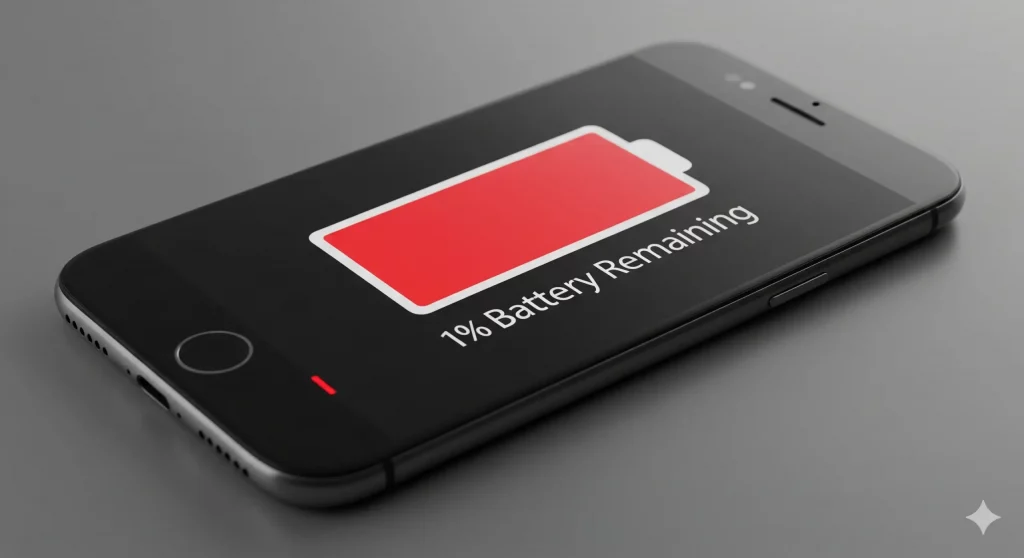
Phone batteries do not last forever. After 2 to 3 years of daily use, most batteries have lost enough capacity to noticeably affect how your phone performs. The tricky part is that battery degradation happens gradually. You do not wake up one day with a dead battery. It gets a little worse each month until one day you realise your phone barely makes it to lunchtime.
Here are the 8 signs that tell you it is time for a replacement, why each one happens, and what to do about it.
1. Your Phone Dies Too Fast
This is the most common sign. You charge your phone overnight, unplug it in the morning, and by early afternoon it is under 20%. You have not changed how you use it. You are not running more apps. The phone just does not hold its charge like it used to.
Why it happens: Every time you charge your phone, the battery loses a tiny amount of its maximum capacity. After 500 to 800 charge cycles (roughly 2 to 3 years), a battery that once held 100% of its original charge might only hold 70% or 75%. That missing capacity adds up, and you feel it as shorter battery life.
2. The Battery Percentage Jumps Around
Your phone shows 45%, then a few minutes later it drops to 20%. Or it sits at 15% for an hour, then suddenly dies. The percentage readout stops being reliable.
Why it happens: Your phone estimates the battery percentage based on the voltage output. As a battery degrades, its voltage becomes less stable and harder to predict. The software can no longer estimate accurately, so the numbers jump around.
3. Your Phone Shuts Down Unexpectedly
You are using your phone normally and it just turns off, even though the battery was showing 20% or 30%. It might happen once a week, then more often, especially in cold weather.
Why it happens: A degraded battery cannot always deliver enough power to keep the phone running, particularly under load (like when you open an app or the camera). The phone shuts down to protect itself. Cold weather makes this worse because low temperatures reduce battery efficiency even further. If your phone struggles in the cold, our guide to phone battery drain in cold weather explains why and what you can do about it.
4. Your Phone Feels Hot During Normal Use
It is normal for a phone to warm up during heavy use, gaming, video calls, or fast charging. But if your phone gets noticeably hot during basic tasks like texting, scrolling social media, or sitting idle, the battery is likely struggling.
Why it happens: As battery cells degrade, their internal resistance increases. Higher resistance means more energy is wasted as heat. The phone works harder to draw the same amount of power, and the excess energy has to go somewhere. That somewhere is heat.
If your phone is uncomfortably hot to the touch during normal use, get the battery checked. Persistent overheating can damage other components inside the phone.
5. It Takes Much Longer to Charge
Your phone used to go from empty to full in about an hour. Now it takes two hours or more, even with the same charger and cable.
Why it happens: A degraded battery charges less efficiently. It also generates more heat during charging, which triggers the phone’s thermal management to slow down the charging speed to prevent overheating. The result is a longer wait.
Before blaming the battery, check your charger and cable first. A damaged cable or a low wattage charger can also cause slow charging. If the charger is fine and charging is still slow, the battery is the likely culprit. If the charging port itself feels loose or only works at certain angles, that is a different issue. Our guide to charging port repair covers that.
6. Your Phone Feels Slower Than It Used To
Apps take longer to open. Switching between apps is sluggish. Animations stutter. The phone just feels heavy and unresponsive, even though it used to be quick.
Why it happens: Both Apple and Android have power management features that throttle your phone’s processor when the battery can no longer deliver consistent power. Apple calls this “performance management” and it kicks in when the battery health drops below 80%. The idea is to prevent unexpected shutdowns, but the trade off is a slower phone.
Many people assume their phone is just old and slow. In reality, a new battery removes the throttling and the phone feels fast again. It is one of the most surprising improvements a battery replacement can make.
7. The Back of Your Phone Is Bulging
If the back panel of your phone is pushing outward, the screen is lifting slightly, or you notice a gap between the screen and the frame, the battery is swelling.
Why it happens: A swollen battery is a chemical failure. The electrolyte inside the battery produces gas as it breaks down, and this gas inflates the battery pouch. Swelling is a serious safety risk. A swollen battery can crack your screen from the inside, damage internal components, and in extreme cases catch fire.
If you notice swelling, stop using the phone immediately. Do not charge it. Do not leave it in a hot car or in direct sunlight. Take it to a repair shop as soon as possible. This is the one sign you should never ignore.
8. Your Phone Only Works While Plugged In
You can use the phone while it is connected to a charger, but the moment you unplug it, it dies instantly or within a few minutes. The battery is no longer holding any meaningful charge.
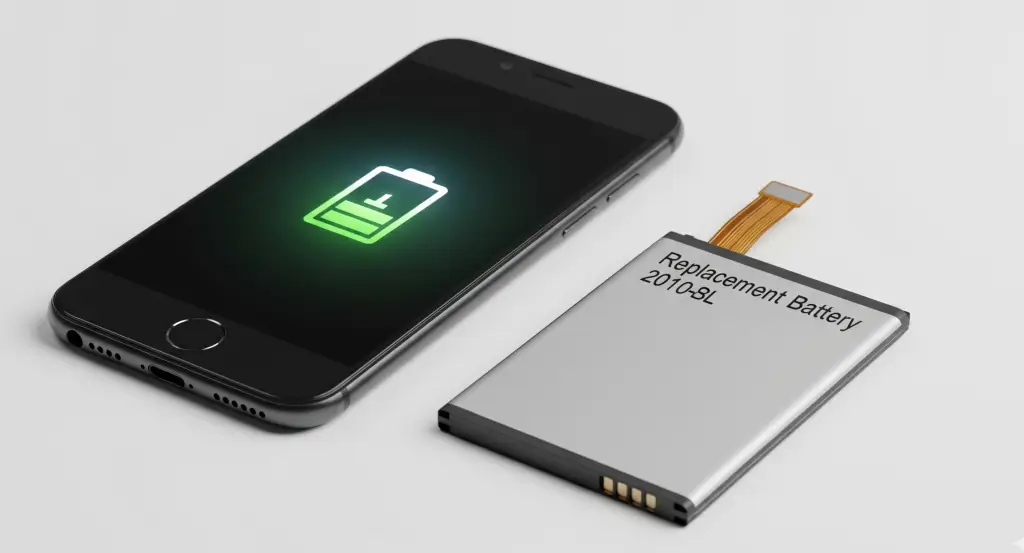
Why it happens: The battery has reached the end of its life. It can still pass through power from the charger to the phone, but it can no longer store energy itself. At this point, the battery is essentially dead and a replacement is the only fix.
How to Check Your Battery Health
You do not have to guess. Both iPhone and Android have ways to check.
- iPhone Go to Settings > Battery > Battery Health and Charging. Look at “Maximum Capacity.” If it is below 80%, Apple recommends a replacement. Below 70% means the battery is significantly degraded.
- Samsung Open the Samsung Members app > Support > Phone Diagnostics > Battery Status. It will show you whether the battery health is “Good” or “Weak.”
- Other Android Some Android phones have built in battery health tools in Settings > Battery. If yours does not, apps like AccuBattery can estimate your battery’s current capacity compared to its original capacity.
How Many Signs Apply to You?
Here is a quick way to gauge how urgently you need a replacement.
| Signs You Recognise | What It Means |
|---|---|
| 1 to 2 signs | Your battery is starting to degrade. Monitor it. A replacement is not urgent but will be needed within the next 6 to 12 months. |
| 3 to 4 signs | Your battery is noticeably degraded. A replacement will make a real difference to your daily experience. Book it in soon. |
| 5 or more signs | Your battery needs replacing now. The longer you wait, the more it affects your phone’s performance and your data. |
| Battery swelling | Stop using the phone immediately and take it to a repair shop. This is a safety issue. |
What to Do Next
If you recognise 3 or more of these signs, a battery replacement is the simplest and cheapest fix.
At Phone Clinic, iPhone battery replacements start from £30 and take 20 to 40 minutes. You can walk into any of our 14 UK stores and have it done while you wait. All battery replacements come with a 12 month warranty. See our full iPhone battery replacement cost guide for pricing by model.
For Samsung and other Android phones, battery replacements are also available at all stores. Call us on 07492 244409 or book an appointment online to get a quote for your specific model.
If your phone has additional problems beyond the battery, like a cracked screen or a faulty charging port, it may be worth getting everything fixed at once. See our phone screen repair cost guide or visit our mobile phone repair page for the full list of services.
Frequently Asked Questions
How do I know if my phone battery needs replacing?
The clearest signs are rapid battery drain, unexpected shutdowns, the phone feeling hot during normal use, and the battery percentage jumping around. You can also check battery health in your phone’s settings.
How long does a phone battery last before it needs replacing?
Most phone batteries last 2 to 3 years with daily use. After 500 to 800 charge cycles, the battery will have lost enough capacity to noticeably affect performance and battery life.
Can a bad battery make my phone slow?
Yes. Both iPhone and Android throttle the processor when the battery can no longer deliver consistent power. A new battery removes this throttling and the phone feels faster again.
Is a swollen phone battery dangerous?
Yes. A swollen battery can crack the screen, damage internal components, and in extreme cases catch fire. Stop using the phone immediately and take it to a repair shop.
How much does a phone battery replacement cost?
At Phone Clinic, iPhone battery replacements start from £30. Samsung and other Android batteries vary by model. See our iPhone battery replacement cost guide for full pricing.
Does replacing the battery delete my data?
No. A battery replacement does not touch your photos, messages, apps, or settings. We always recommend backing up as a precaution, but your data is safe during a standard battery swap.