
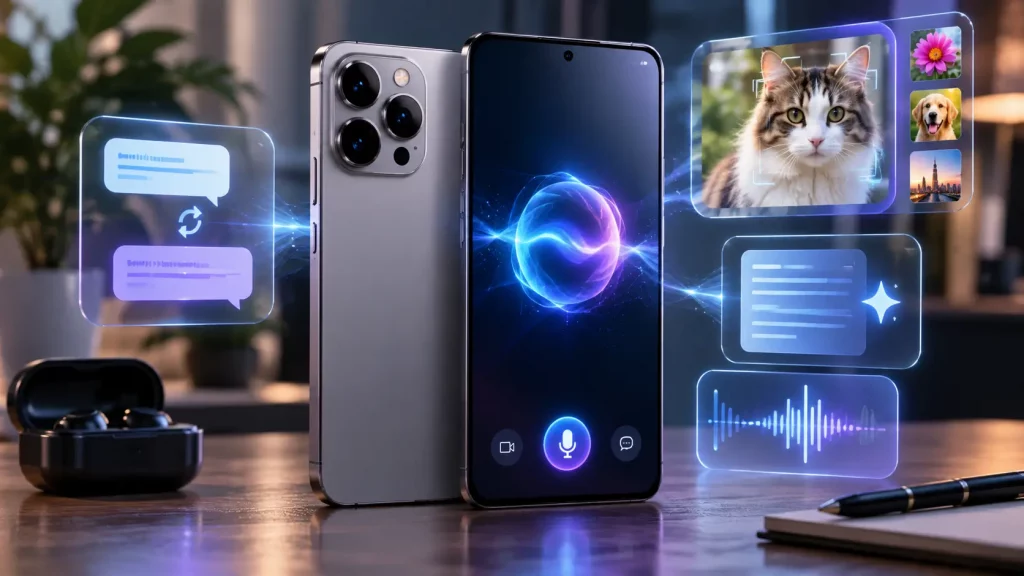
Every major phone manufacturer now sells its flagship on AI. Samsung has Galaxy AI. Apple has Apple Intelligence. Google has Gemini. The launch events are full of demos showing phones that write your emails, edit your photos, translate conversations in real time, and anticipate what you need before you ask for it.
Some of these features genuinely change how you use your phone. Others are things you try once and never open again.
This guide cuts through the marketing and looks at what AI on your phone can actually do right now, how the three major platforms differ, and what this means for your next phone decision.
What AI on Your Phone Actually Does in 2026
The term “agentic AI” gets used a lot. What it means in practice is that your phone’s AI does not just respond when you give it a command. It watches what you are doing and steps in to help without being asked.
Here are the AI features that people actually use every day.
- Writing assistance. All three platforms can suggest replies to messages, rewrite text in different tones, summarise long emails, and proofread what you have typed. This works across messaging apps, email, and notes. It is one of the most genuinely useful AI features because it saves time on tasks you do dozens of times a day.
- Photo editing. AI can remove objects from photos, adjust lighting, enhance details, and suggest edits. Samsung’s Photo Assist lets you describe what you want in plain language. Google’s Magic Eraser has been doing this since the Pixel 6, and it keeps getting better. Apple’s approach is more subtle, with automatic adjustments that happen without you asking.
- Live translation. Samsung’s Galaxy AI can translate phone calls in real time, showing subtitles on screen while both speakers talk in their own language. Google offers similar translation through Gemini Live. Apple’s translation is available through its built in Translate app but does not integrate into phone calls in the same way.
- Search by pointing your camera. Google’s Circle to Search and Apple’s Visual Intelligence let you point your camera at something and get instant information about it. A product, a landmark, a plant, a restaurant menu in another language. This replaces the clunky process of typing a description into a search engine and hoping for the right result.
- Summarisation. Your phone can now summarise web articles, long message threads, voice recordings, and documents. This is particularly useful for catching up on group chats or reviewing meeting notes without reading everything.
Samsung Galaxy AI vs Apple Intelligence vs Google Gemini
All three platforms offer AI features, but they approach it differently. The differences matter depending on what you value most.
- Samsung Galaxy AI has the widest range of individual features. Live call translation, generative image editing, AI powered note taking, document summarisation, and a broad set of tools spread across Samsung’s own apps. The downside is that some features route data through Samsung’s cloud servers, which means your data leaves the device for processing.
- Apple Intelligence is more tightly integrated into the operating system. It works across Mail, Messages, Notes, Photos, and Siri in a way that feels seamless rather than like a separate feature you have to remember to launch. Apple processes most AI tasks on the device itself, with a system called Private Cloud Compute handling anything that needs more power. If privacy is your priority, Apple’s approach is the most conservative. The limitation is that Apple Intelligence requires 12 GB of RAM, which means only the iPhone 17 Pro and Pro Max support the full feature set. The standard iPhone 17 and older models miss out.
- Google Gemini offers the deepest AI assistant experience. Gemini Live lets you have natural conversations with the AI, including sharing your screen or camera view so it can see what you are looking at. Google’s strength is contextual understanding. It connects information across Search, Maps, Gmail, Calendar, and other Google services to give you answers that take your full context into account. The Pixel 10 Pro runs many AI features on device through the Tensor G5 chip, but more complex requests go to Google’s cloud.
Do You Need a New Phone for AI Features?
This is the practical question. If your phone is two or three years old, it probably has some AI features but not the latest ones. Does that mean you need to upgrade?
Not necessarily.
The most useful AI features, such as writing assistance, photo enhancement, and search by camera, work on phones from the last two to three years. You do not need the absolute latest model to use them.
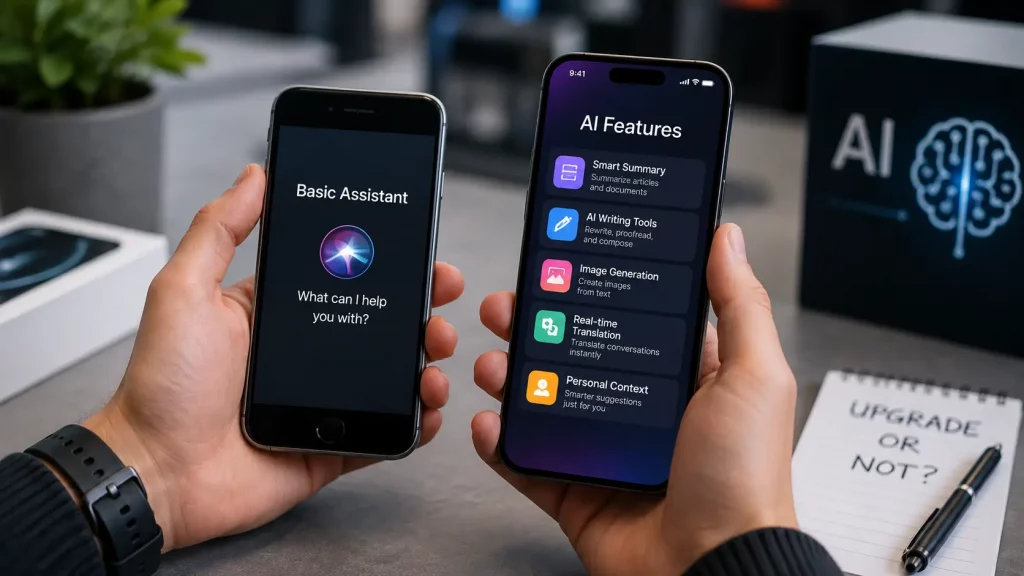
The features that require a new phone are the more advanced ones: on device language models, real time call translation, and agentic tasks where the AI takes multi step actions across different apps. These need more processing power and RAM than older phones can provide.
If your current phone handles your daily tasks well and the battery lasts through the day, upgrading purely for AI features is hard to justify. The practical improvements are real but incremental. You get a smarter assistant and better photo editing, not a fundamentally different experience.
If your phone is already showing its age with a cracked screen, a worn battery, or a sluggish performance, the repair vs upgrade decision is worth thinking through. A screen or battery repair costing £50 to £200 can give you another two to three years with a phone that already does most of what the latest AI features offer.
What AI Means for Phone Repairs
AI features have a practical impact on phone hardware that is worth understanding.
Battery life. On device AI processing uses the Neural Processing Unit (NPU), which is designed to be energy efficient, but it still draws power. Phones that run a lot of AI tasks throughout the day, especially background features that anticipate your needs, will use more battery than phones running the same hardware without those features enabled. If your battery is already degrading, AI features will make it feel worse.
Storage. AI models take up space on your phone. Apple Intelligence requires several gigabytes of storage for its on device language models. Samsung’s Galaxy AI features cache data locally. If your phone has limited storage, AI features may eat into the space you have left for photos and apps.
Performance. AI features rely on fast processors and sufficient RAM. A phone with 6 GB of RAM running heavy AI features will feel slower than the same phone without them. This is why Apple restricted full Apple Intelligence to 12 GB models. If your older phone feels slow after a software update that added AI features, the AI processing may be part of the reason.
None of these are reasons to avoid AI features. They are reasons to make sure your phone’s hardware is in good shape. A healthy battery and clean storage give your phone the headroom it needs to handle AI tasks without struggling.
The Privacy Question
This matters more than most people realise.
When your phone processes AI tasks on device, your data stays on the phone. When it sends data to the cloud for processing, your information travels to the manufacturer’s servers.
Apple processes almost everything on device and uses encrypted cloud servers with no data storage for tasks that need more power.
Google processes some tasks on device through Gemini Nano but routes complex requests through Google’s cloud.
Samsung sends more queries to cloud servers than either Apple or Google, which gives it more functionality but means more of your data leaves the device.
If privacy matters to you, pay attention to where your data goes, not just what the AI can do. The flashiest feature is not always the best one if it requires sending your personal messages and photos to a server you have no control over.
Frequently Asked Questions
What is agentic AI on a smartphone?
Agentic AI refers to AI that does not just respond to commands but takes proactive action on your behalf. Instead of waiting for you to ask a question, it anticipates your needs based on context, such as your location, your calendar, and your habits. On a 2026 flagship phone, this can look like the AI suggesting you leave early for an appointment because of traffic, or automatically organising your photos after a trip.
Which phone has the best AI features in 2026?
Samsung Galaxy S26 Ultra has the widest range of AI features. Google Pixel 10 Pro has the deepest AI assistant integration through Gemini. Apple iPhone 17 Pro has the strongest privacy protections for AI processing. The best choice depends on whether you value feature variety, assistant quality, or privacy.
Do I need a new phone to use AI features?
Not necessarily. Phones from the last two to three years support basic AI features like writing suggestions, photo editing, and voice assistant improvements. The most advanced features, such as on device language models and real time call translation, require the latest processors and at least 8 to 12 GB of RAM. If your current phone works well for daily tasks, upgrading purely for AI is hard to justify.
Do AI features drain the battery faster?
They can. On device AI processing uses the Neural Processing Unit, which is designed to be efficient but still draws power. Background AI features that run throughout the day, such as contextual suggestions and proactive notifications, add to the overall battery use. If your battery is already below 80% health, the additional drain will be noticeable.
Is my data safe with AI features on my phone?
That depends on the manufacturer. Apple processes most AI tasks on device and uses encrypted servers with no data storage for cloud tasks. Google processes simpler tasks on device and routes complex ones to Google’s cloud. Samsung sends more queries to cloud servers than either competitor. Check your phone’s AI privacy settings to understand what data leaves your device.