
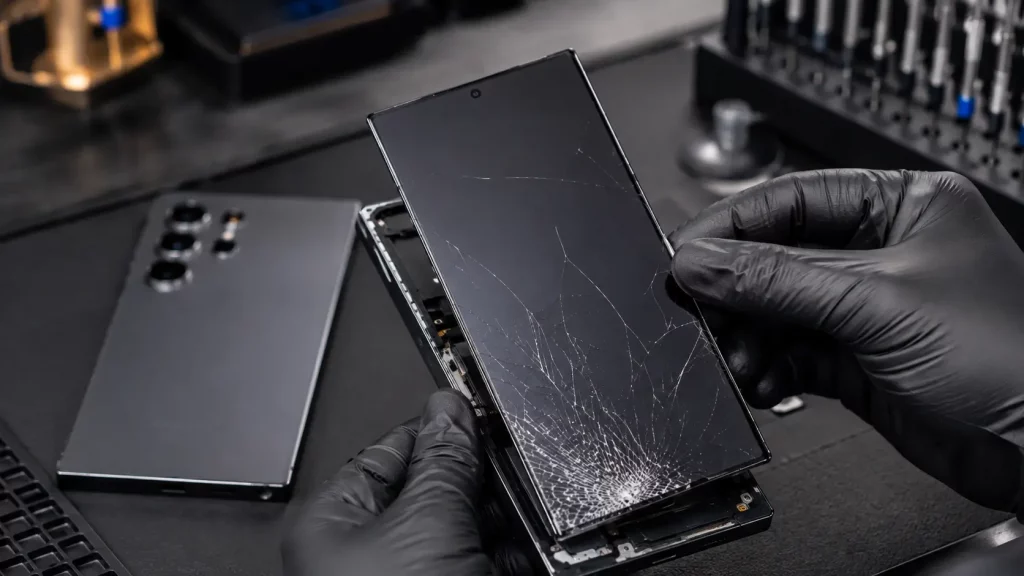
The Samsung Galaxy S26 Ultra has one of the most advanced smartphone displays on the market. A 6.9 inch Dynamic AMOLED 2X panel running at QHD+ resolution with a 120Hz refresh rate. It looks stunning in person. It also costs a fair amount to replace when it breaks.
If you are reading this, your S26 Ultra screen is probably already cracked. Here is what you need to know about getting it fixed properly, what it will cost, and how to avoid getting caught out by a poor quality repair.
How to Tell What Kind of Damage You Have
Not every cracked S26 Ultra screen needs the same repair. The type of damage changes the cost and the urgency.
Cracked glass with a working display. You can see cracks across the surface, but the screen still lights up, shows colours correctly, and responds to touch everywhere. This means the outer glass layer is broken but the AMOLED panel underneath is intact. You still need a repair because cracks let moisture and dust reach the panel over time, but it is not an emergency.
Cracked glass with display problems. If you see dark patches spreading across the screen, lines running vertically, areas where colours look wrong, or sections where touch stops working, the AMOLED panel itself is damaged. This needs fixing sooner rather than later because the damage usually spreads.
Screen completely black or unresponsive. If the display will not turn on at all after a drop, the panel or its connector may be broken. The phone might still be working underneath. You may hear notifications or feel vibrations even though the screen shows nothing.
In all three cases, the repair involves replacing the full display assembly. On the S26 Ultra, the glass, digitiser, and AMOLED panel are bonded together as a single unit. You cannot replace just the outer glass on its own.
How Much Does a Samsung S26 Ultra Screen Fix Cost?
At Phone Clinic, a Samsung S26 Ultra screen replacement costs between £280 and £365. The exact price depends on which store you visit, as each location sets its own pricing.
| Repair | Price Range |
|---|---|
| Samsung S26 Ultra screen replacement | £280 to £365 |
For context, here is how that compares to other repair options:
| Where You Go | Typical UK Price Range |
|---|---|
| Phone Clinic (independent, parts in stock) | £280 to £365 |
| Samsung official out of warranty repair | £300 to £450+ |
| Other independent repair shops | £200 to £350 |
Samsung’s official out of warranty repair service uses genuine manufacturer parts but charges a premium for the work. Independent shops like Phone Clinic can offer a lower price while still using quality replacement screens that match the original display specifications.
If you want to understand how Samsung screen repair pricing compares to other brands, our phone screen repair cost guide covers the full picture.
Why the S26 Ultra Screen Costs More Than Other Samsung Phones
The Galaxy S26 Ultra sits at the top of Samsung’s range, and its screen reflects that. There are a few reasons why the replacement cost is higher than a standard Galaxy S or A series model.
The display is larger and higher resolution. At 6.9 inches with a QHD+ resolution of 3120 x 1440 pixels, the S26 Ultra panel packs in more pixels per inch than most Samsung phones. Larger, higher resolution AMOLED panels cost more to manufacture.
It has Gorilla Armor 2 protection. Samsung uses Corning’s Gorilla Armor 2 on the S26 Ultra rather than standard Gorilla Glass. This is tougher and includes anti reflective properties, but when it does break, the replacement part needs to match that specification.
The fingerprint sensor is built into the display. The S26 Ultra uses an ultrasonic fingerprint sensor embedded under the screen. When the display assembly is replaced, the fingerprint sensor comes with it. This adds to the parts cost but also means your fingerprint reader will work properly after the repair. You will just need to re register your fingerprints.
The display assembly is bonded. Like most modern Samsung flagships, the glass, touch layer, and AMOLED panel are fused into one unit. You cannot swap just the outer glass. The entire assembly comes out and a new one goes in.
What Happens During the Repair
A Samsung S26 Ultra screen replacement at Phone Clinic follows a straightforward process.
You bring the phone into any of our 14 UK stores or send it to us using our mail in service. We keep S26 Ultra screens in stock, so there is usually no wait for parts.
The technician removes the damaged display assembly, which involves carefully heating the adhesive that holds it in place and separating it from the frame. The new screen is tested before being fitted to make sure everything works. Once installed, the technician checks touch response across the full screen, tests the fingerprint sensor area, and confirms the display is seated properly with no light bleed around the edges.
Most Samsung screen repairs are completed on the same day. If you walk in during opening hours, you can usually wait while the work is done.
Your data stays on the phone throughout. A screen replacement does not involve wiping the device. Your photos, apps, messages, and everything else will be exactly where you left them.
What Warranty Covers the Repair
Every Samsung screen repair at Phone Clinic comes with a 6 month warranty. If something goes wrong with the replacement screen during that period, bring it back to the same store where the repair was done and we will sort it out.
The warranty covers faults with the replacement part itself. It does not cover new accidental damage, so if you drop the phone again and crack the new screen, that would be a separate repair.
For the full details on what is covered, our warranty page explains everything.
Should You Repair or Replace the Phone?
The Samsung Galaxy S26 Ultra launched at around £1,299 for the base model. A screen repair at £280 to £365 is a fraction of that.
If the screen is the only problem with the phone, repair is the obvious choice. You get a working phone back with all your data intact, for less than a third of the cost of buying new.
It starts to become a closer decision if the phone has other issues on top of the cracked screen. A worn battery, a damaged charging port, or frame damage from a serious drop can add to the total repair bill. In that case, it is worth getting the phone assessed first so you can see the full picture before deciding.
Our no fix, no fee policy means you do not pay if we cannot repair the device. So there is no risk in having it looked at.
Protecting Your Screen After the Repair
The S26 Ultra’s Gorilla Armor 2 is tough, but no glass is unbreakable. Once you have paid for a screen repair, it makes sense to reduce the chances of needing another one.
A tempered glass screen protector absorbs the impact from drops that would otherwise crack the display. It is a consumable layer that costs a few pounds to replace instead of hundreds.
A case with raised edges around the screen gives an extra buffer when the phone lands face down. Even a millimetre or two of lip can make the difference between a cracked screen and a near miss.
These are simple precautions that cost very little compared to the repair they help you avoid.
Other Common S26 Ultra Issues We Fix
The screen is the most common S26 Ultra repair we see, but it is not the only one. If your phone has other problems alongside the cracked display, we can usually handle them at the same time.
Battery replacement, charging port repair, camera lens replacement, and software issues are all services we offer across the Samsung Galaxy range. Our Samsung phone repair guide covers the most common faults and what to do about them.
FREQUENTLY ASKED QUESTIONS
How much does a Samsung S26 Ultra screen fix cost at Phone Clinic?
A Samsung S26 Ultra screen replacement at Phone Clinic costs between £280 and £365. The exact price depends on which store you visit, as each location sets its own pricing. This includes the full display assembly with the AMOLED panel, digitiser, and outer glass.
How long does the S26 Ultra screen replacement take?
Most Samsung S26 Ultra screen repairs are completed on the same day. We keep the S26 Ultra screen in stock, so there is usually no wait for parts. If you walk in during opening hours, you can typically wait while the repair is done.
Will I lose my data during a Samsung S26 Ultra screen fix?
No. A screen replacement does not involve wiping the phone. Your photos, apps, contacts, and messages will all remain exactly where they are. The repair only affects the display assembly.
Will my fingerprint sensor still work after the screen is replaced?
Yes. The Samsung S26 Ultra has an ultrasonic fingerprint sensor built into the display. When the screen assembly is replaced, the new unit includes a working fingerprint sensor. You will need to delete and re register your fingerprints after the repair, but the sensor itself will function normally.
What warranty do I get on the S26 Ultra screen repair?
Every Samsung screen repair at Phone Clinic comes with a 6 month warranty. If a fault develops with the replacement screen during that period, bring it back to the same store where the repair was done and we will resolve it at no extra cost.
Is it worth fixing the S26 Ultra screen or should I buy a new phone?
If the screen is the only issue, repair is almost always the better option. The S26 Ultra retails at around £1,299, and a screen repair costs a fraction of that. You get a working phone back with all your data intact. It only becomes a harder decision if the phone has multiple faults on top of the cracked screen.