
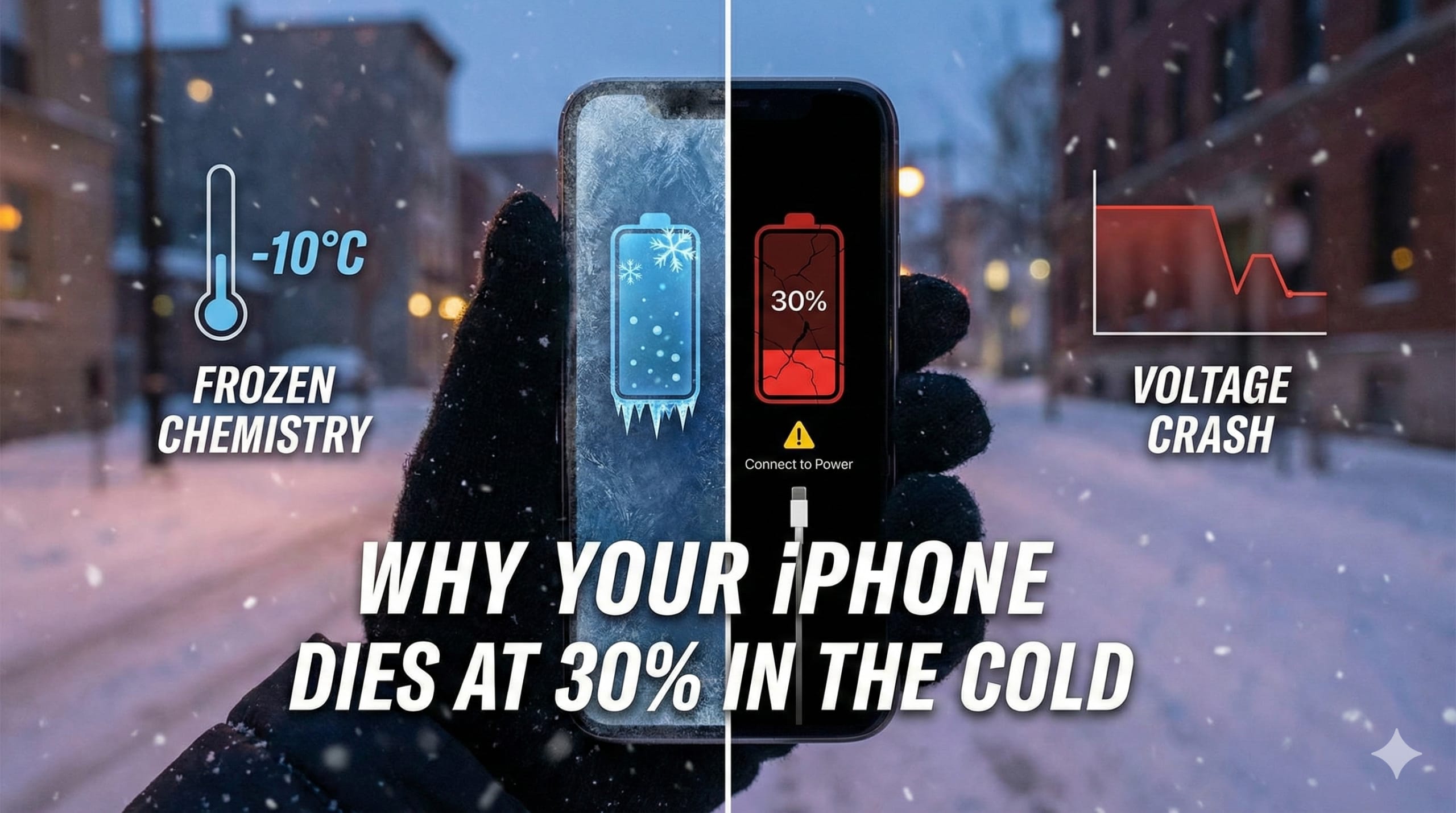
You’re standing on a snowy corner, waiting for an Uber that’s three minutes away. You pull out your phone to check the license plate number. You have 35% battery left. Plenty of juice. Then, without warning, the screen stutters, goes black, and shows you that devastating “connect to power” symbol.
Table of Contents
It feels like a betrayal. You know you had charge left.
It’s one of the most frustrating quirks of modern technology. We carry around devices more powerful than the computers that sent Apollo 11 to the moon, yet a brisk winter walk can turn them into expensive paperweights.
If you’ve ever wondered why your phone gives up the ghost the second the temperature drops, you aren’t alone. And honestly, it’s not a conspiracy by Apple to make you buy a new phone (though I know it feels like it). It’s actually basic chemistry clashing with advanced engineering.
Here is exactly what’s happening inside that aluminum shell, and how to stop phone battery drain cold weather issues from ruining your winter plans.
The Chemistry: Why Lithium-Ion Hates Winter
To understand the fix, you have to understand the flaw.
Your smartphone runs on a Lithium-Ion (Li-ion) battery. Under normal conditions—basically, room temperature—these batteries are fantastic. They charge quickly, hold a lot of power for their size, and don’t suffer from the “memory effect” that plagued older rechargeable batteries.
Inside that battery, there’s a liquid electrolyte solution. Picture it like a highway for lithium ions. When you’re using your phone, these ions travel from the negative side (anode) to the positive side (cathode). This movement creates the energy that powers your screen, your GPS, and your Spotify playlist.
But here’s the thing: Cold makes that liquid turn sluggish.
Think of it like maple syrup. In a warm kitchen, syrup pours easily. Stick that bottle in the snow for an hour, and it becomes thick and slow. – Phone Battery Drain Cold Weather
When the temperature drops below freezing (32°F / 0°C), the electrolyte fluid inside your battery thickens up. The ions have to fight harder to move through it. This increases the internal resistance of the battery.
This resistance is the real villain behind phone battery drain cold weather problems.
The “30% Myth”: Why It Shuts Down Early
This is the part that confuses most people. If the ions are just moving slower, shouldn’t the phone just be slower? Why does it shut off entirely when the screen says 30%?
The battery percentage on your screen is just an estimate. It’s an algorithm’s best guess at how much time you have left based on the current voltage the battery is delivering.
When the cold thickens that electrolyte “syrup” and resistance spikes, the voltage drops off a cliff.
Your phone has a built-in safety mechanism. It requires a specific minimum voltage to run the processor and other hardware safely. If the voltage dips below that threshold, the phone’s software panics. It thinks the battery is completely empty, even if chemically, there is still plenty of energy stored inside.
To protect the internal components from a “brownout” (which can corrupt data or damage chips), the phone initiates an emergency shutdown.
So, when your phone dies at 30% in the cold, the energy is technically still there. It’s just “locked” behind the wall of cold resistance, unable to get to the processor fast enough to keep the lights on.
Does This Happen to Androids Too?
Yes, but iPhone users tend to be more vocal about it.
This is partly because of materials. Apple loves aluminum and glass. Both are thermal conductors. That means they are excellent at transferring heat away from the battery and letting the cold seep in.
Many Android phones use plastic or different composite backs, which can offer slightly better insulation. However, since almost all modern smartphones use Lithium-Ion technology, the fundamental chemical problem remains the same regardless of the logo on the back. If it gets cold enough, every phone is susceptible to battery drain cold weather effects.

The Fix: Immediate Solutions When You’re Stuck
Okay, enough science. You’re reading this because you want your phone to stay on when you’re on a ski lift or walking the dog.
Here are the immediate steps you can take when you’re out in the cold.
1. Body Heat is King
Your pockets matter. If you keep your phone in the outer pocket of your puffer jacket, it’s basically exposed to the elements. There is only a thin layer of nylon between your device and the freezing air.
You need to keep the device as close to your skin as possible.
- Best spot: An internal breast pocket of a jacket, or a pants pocket (your thigh generates a lot of heat).
- The goal: You want the phone to share your body temperature, keeping it closer to 98°F than 30°F.
If your phone has already shut down, put it under your armpit or against your stomach for five minutes. It sounds ridiculous, but it works. Once the battery warms up, the internal resistance drops, the voltage recovers, and you’ll often find your phone turns back on with that “missing” 30% suddenly restored.
2. Use a Case (Ideally a “Thick” One)
I know, we all love the sleek look of a naked iPhone. But in winter, a case acts like a sweater.
Leather and thick silicone cases offer better thermal insulation than thin plastic shells. If you live in a place like Chicago or Montreal where sub-zero temps are a daily reality, look into thermal cases specifically designed for this. Brands like PHOOZY make thermal capsules (they look like little spacesuits for your phone) that are rated to protect battery life in extreme cold and extreme heat. – Phone Battery Drain Cold Weather
3. Manage Your Settings Before You Step Out
If you know you’re going to be in the cold for a while, reduce the workload on the battery before it gets cold. Remember, the battery is struggling to deliver voltage. If you ask it to do heavy lifting—like recording 4K video or playing a 3D game – while it’s freezing, the voltage will tank faster.
- Turn on Low Power Mode immediately. Don’t wait for 20%. Turn it on when you leave the house at 100%. This limits background activity and reduces the strain on the battery.
- Dim the screen.
- Close background apps. (Note: Usually, closing apps doesn’t save battery, but in extreme cold, you want to minimize any potential processor spikes).
4. The Power Bank Trick
If you carry a portable charger, keep it connected to your phone while it’s in your pocket.
Charging generates heat. By keeping a trickle of power going into the phone, you are warming the battery internally. Plus, having an external power source prevents the voltage drop that triggers the shutdown.
Important: Keep the power bank warm too. Lithium-ion batteries in power banks suffer from the exact same chemistry issues as your phone.
Long-Term Prevention: Is Your Battery Dying?
Sometimes, the cold isn’t the only culprit. It’s just the stress test that reveals a weak link.
Lithium-ion batteries degrade over time. They are consumable components. After about 500 charge cycles (roughly two years of normal use), a battery’s capacity to hold a charge diminishes. – Phone Battery Drain Cold Weather
An older battery has higher internal resistance even at room temperature. Add freezing temps to the mix, and it’s a recipe for disaster. A brand new iPhone 15 might survive 20 minutes in 10°F weather, while an iPhone 11 with its original battery might last 30 seconds.
Check your health:
- iPhone: Go to Settings > Battery > Battery Health & Charging.
- Android: varies by model, but usually under Settings > Battery Usage.
If your “Maximum Capacity” is below 80%, your battery is considered “degraded.” In the summer, you might just notice you have to charge it more often. But in the winter, a degraded battery is almost guaranteed to shut down prematurely. If you’re seeing significant phone battery drain cold weather issues, and your health is at 78%, the only real fix is a battery replacement.
What NOT To Do (Please Read This)
When your phone dies in the snow, panic sets in. You want to warm it up fast. But doing it wrong can kill your phone permanently.
1. Do not use a hair dryer or car heater vents. blasting your frozen phone with hot air causes a rapid temperature change. This is dangerous for two reasons:
- Thermal Shock: The glass and metal expand at different rates, which can crack your screen.
- Condensation: This is the big killer. Going from freezing cold to hot air causes moisture to condense inside the phone. It’s like when your glasses fog up coming inside, but it’s happening on your motherboard. That moisture can trigger the liquid contact indicators or short-circuit the device.
2. Don’t charge it immediately. If your phone is ice cold to the touch, do not plug it into a wall charger. Charging a frozen Lithium-Ion battery can cause metallic lithium plating to build up on the anode. This is permanent damage and can make the battery unstable (and in rare cases, dangerous).
Let the phone warm up to room temperature gradually – give it 20 to 30 minutes inside – before you plug in that lightning or USB-C cable. – Phone Battery Drain Cold Weather
The Reality of Winter Tech
We demand a lot from our devices. We want them to be impossibly thin, incredibly fast, and last all day. But until battery technology takes a massive leap forward (solid-state batteries, perhaps?), we are bound by the laws of thermodynamics and chemistry.
The best defense against phone battery drain cold weather shutdowns is preparation. Treat your phone like a living thing in the winter. It needs a coat (case). It needs to stay warm (inner pocket). And sometimes, it gets a little sluggish when it’s freezing out.
It’s annoying, sure. But at least now when the screen goes black at 30%, you know it’s not just bad luck. It’s just a little bit of frozen chemistry.
Stay warm out there.
Frequently Asked Questions
Q: Why does my phone die when it still says 30% battery in the cold?
It’s not actually empty! The cold temperature thickens the electrolyte liquid inside your battery, increasing internal resistance. This causes the voltage to drop suddenly. Your phone detects this low voltage as an empty battery and shuts down to protect its internal components, even though energy remains stored inside.
Q: How do I stop phone battery drain in cold weather?
The best method is body heat. Keep your phone in an internal pocket close to your chest rather than an outer jacket pocket. Using a thermal case helps, as does turning on “Low Power Mode” before you step outside to reduce the battery’s workload.
Q: Does cold weather permanently damage my battery?
Usually, no. Cold weather causes a temporary loss of performance. Once the battery warms up to room temperature, it should function normally again. However, charging a freezing cold battery can cause permanent damage, so always let it warm up before plugging it in.
Q: Is it safe to use a hand warmer to heat up my phone?
Be careful. Direct contact with intense heat (like a chemical hand warmer) can cause the phone to overheat or create condensation inside the device. It is safer to use your own body heat or a specialized thermal phone case.