
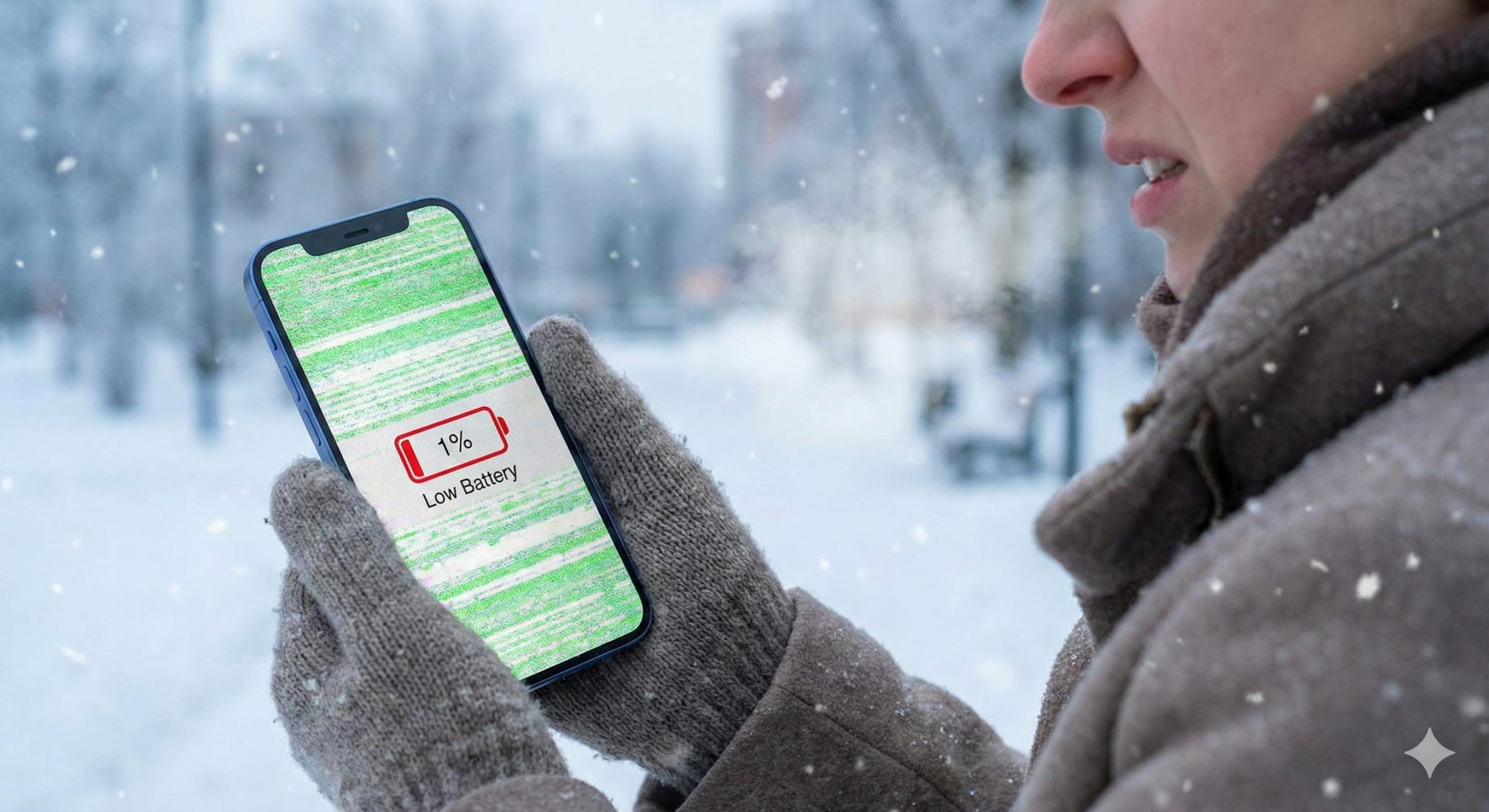
You just bought the new iPhone 16. It is sleek, fast, and honestly, it cost a small fortune. So why does the screen look like it is having a nervous breakdown?
If you have noticed your display flashing green or acting weird when you touch the corners, do not panic. You are not the only one dealing with this. We have seen a sudden wave of customers asking about iPhone 16 screen repair this month.
And if you are sitting there with an older phone thinking your screen is fine but your battery drops from 40% to 1% the second you step outside, we need to talk about that too.
It is December in the UK. The cold is here, and it is wreaking havoc on our tech.
The Flickergate Issue: Do You Need an iPhone 16 Screen Repair?
Let us start with the big one. The iPhone 16 series has been out for a few months now. While the cameras are brilliant, the displays are starting to show a pattern. Users are reporting screen flickering, specifically at low brightness or when the phone switches between refresh rates.
Apple pushes software updates to fix bugs, but sometimes a software patch cannot fix a hardware quirk.
The new ultra thin bezels look great, but they leave very little room for the display connectors inside. If that connection is even slightly loose, perhaps because you dropped it or maybe it came that way from the factory, you get that annoying flicker. Ghost touches are common too. This is where the phone thinks you tapped an app when your finger was nowhere near it.
A restart might fix it for ten minutes. However, if it keeps coming back, it is likely a hardware fault.
This is where a professional iPhone 16 screen repair or diagnostic comes in. At Phone Clinic Repair, we can open it up and check the seating of those connectors. If the panel is faulty, we swap it out. It is precise work, but it beats staring at a strobe light every time you try to text.
Why Winter is Killing Your Battery
Now let us talk about the cold. You have probably noticed your phone feels sluggish right now. Maybe it shuts down even though it says you have 20% battery left.
This is not necessarily because your phone is broken. It is chemistry.
Lithium ion batteries rely on a chemical reaction to generate power. When the temperature drops, that reaction slows down. The internal resistance goes up. Basically, your battery gets stiff. It cannot push power to the processor fast enough.
Your phone sees this drop in voltage, panics, and shuts down to protect itself.
If your battery is relatively new, it will bounce back once it warms up. But if your battery health is already below 80%, the cold is basically the final nail in the coffin. That battery is struggling to hold a charge in a warm room, so outside it has no chance.
What Can You Do?
First, stop trying to turn your phone back on immediately while you are still standing in the freezing cold. You will just damage it further. Put it in an inside pocket close to your body heat and give it ten minutes.

Once you are indoors, let it warm up gradually before you plug a charger in. Charging a freezing cold battery is a recipe for disaster.
But let us be real. If you have to nurse your phone through the day like this, it is time for a change. A phone battery replacement is one of the quickest and cheapest repairs we do. It takes about 30 minutes. You walk in with a phone that dies at noon, and you leave with one that lasts all day.
Don’t Ignore the Warning Signs
Whether it is that annoying flicker on your new iPhone 16 or a battery that cannot handle the British winter, ignoring the problem usually makes it more expensive later. A flickering screen can eventually go black completely. A degrading battery can swell up and crack your back glass.
You do not need to buy a new device. You just need to maintain the one you have.
If you are worried about your screen or your battery is driving you up the wall, pop into Phone Clinic Repair. We will take a look, give you an honest answer, and determine if you need a battery swap or a full iPhone 16 screen repair.
Winter is tough enough without a broken phone. Let us fix it.
Frequently Asked Questions
Q: Why is my iPhone 16 screen flickering?
A: This is a common issue we are seeing lately. It is often caused by a hardware fault rather than a simple software bug. The connectors inside the phone, specifically for the display, can sometimes be loose or faulty. This causes the screen to flash green or white, especially at lower brightness levels. While a restart might help temporarily, a professional diagnostic is usually needed to fix it permanently.
Q: Why does my phone battery drain so fast in the cold?
A: Cold weather increases the internal resistance of lithium ion batteries. This makes it harder for the battery to deliver power to your phone. It tricks your phone into thinking the battery is empty, causing it to shut down even if you have 20% or 30% charge left. If your battery health is already low, this effect is much worse.
Q: Is it worth replacing my phone battery or should I buy a new phone?
A: Replacing the battery is almost always worth it if your phone is otherwise in good condition. A phone battery replacement is significantly cheaper than buying a brand new device. It can extend the life of your phone by another 18 to 24 months. It is a smart way to save money and reduce electronic waste.
Q: How long does an iPhone 16 screen repair take?
A: Most screen repairs are quite fast. At Phone Clinic Repair, we can typically complete an iPhone 16 screen repair within 30 to 60 minutes. We know you need your phone back quickly, so we aim to get it done while you wait or do a bit of shopping nearby.
Q: Can a software update fix the iPhone 16 ghost touch issue?
A: Sometimes Apple releases updates to improve touch sensitivity. However, if the ghost touch is caused by a physical defect in the digitizer or a loose internal component, a software update will not fix it. If you have updated your iOS and the problem persists, it is likely a hardware issue that needs a physical repair.